
Save and reuse Knowledge
Keep instructions, decisions and useful results as articles you can find again.
What belongs in Knowledge
Use Knowledge for information worth reusing: an onboarding checklist, a project decision, writing guidelines or a completed analysis. Use a task for work that still needs doing.
Create an article in Seflo
- Open Knowledge and choose Create article.
- Start blank or choose a personal template.
- Enter a descriptive title and the article content. Select its project when it belongs to one, or keep it without a project.
- Choose Save article and read the saved result.
- Return to Knowledge and find it by title or a phrase from the content. Check the project filter if it does not appear.
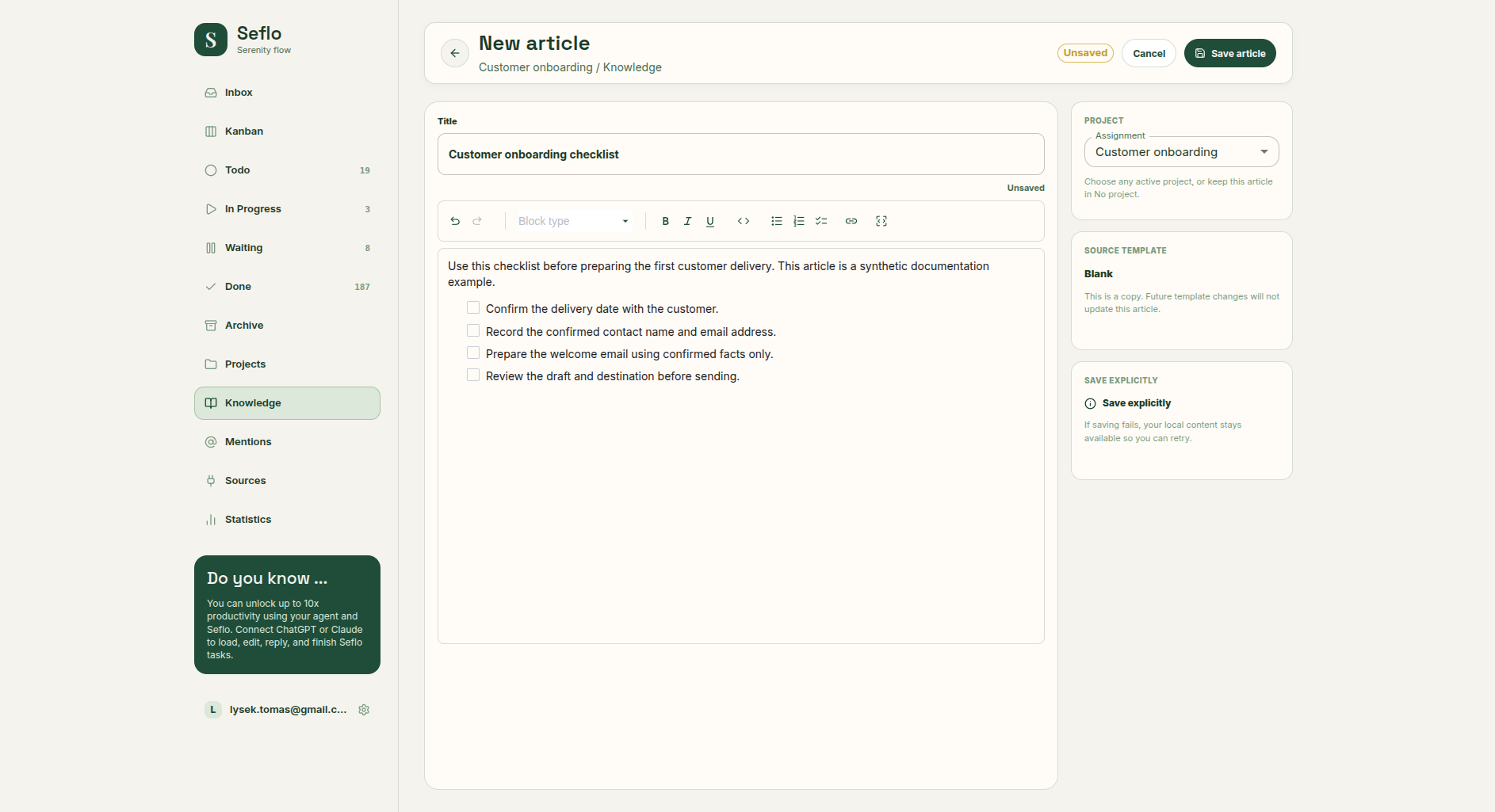
Choose Blank, write the article and check its project assignment before Save article. Open full-size image.
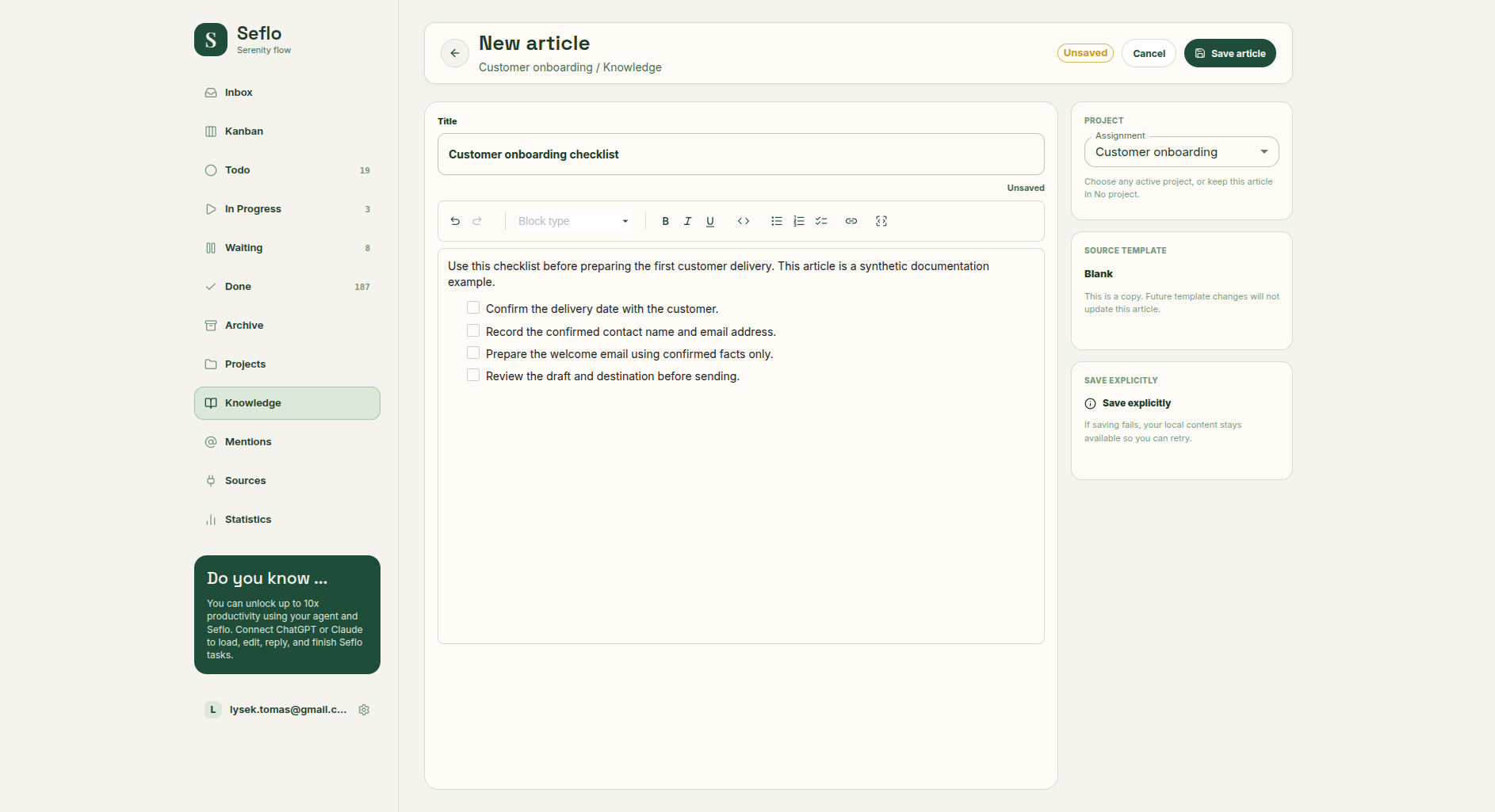
Save a useful result with AI
From a connected AI client, give the article a clear title and explain what should be retained:
Save the agreed onboarding instructions as a Seflo Knowledge article
called Customer onboarding checklist. Keep the final decisions and steps,
leave out discarded drafts, and show me the article link.- Review the content you want saved. Remove private details that do not belong in the article.
- Ask the assistant to create the article, or update an existing one if it already covers the topic.
- Open the returned link and read the saved content.
- Add the project context when the article belongs to a particular project.
Saving an article does not send it as a message or attach it to a customer reply.
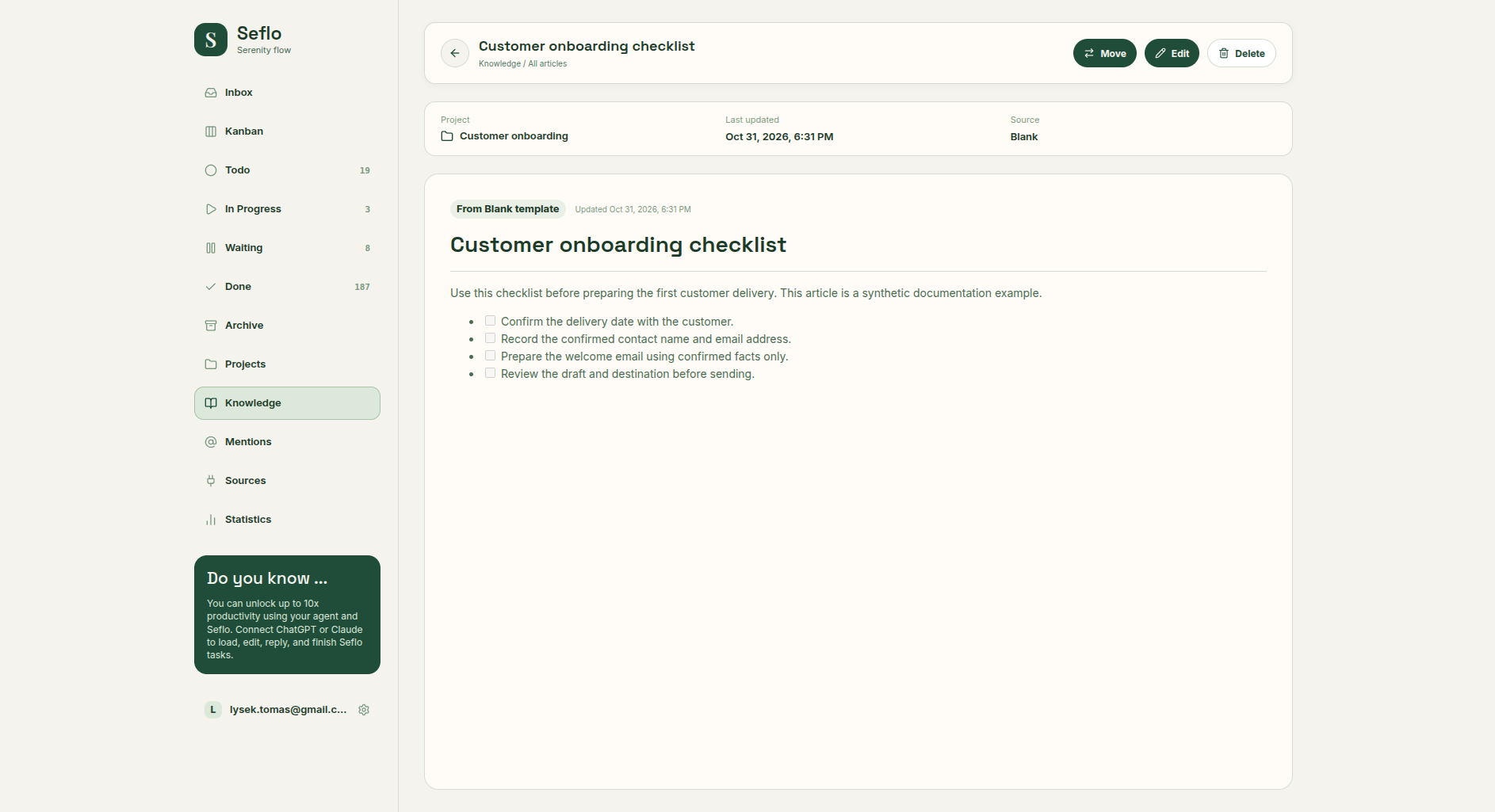
Open the saved article to check that the title, project and full content were retained. Open full-size image.
Find and use an article
Open Knowledge in Seflo to find your articles, or ask your assistant:
Find the Seflo Knowledge article Customer onboarding checklist.
Read it and use its instructions to prepare a plan for task S-123.
Point out anything the task does not tell us yet.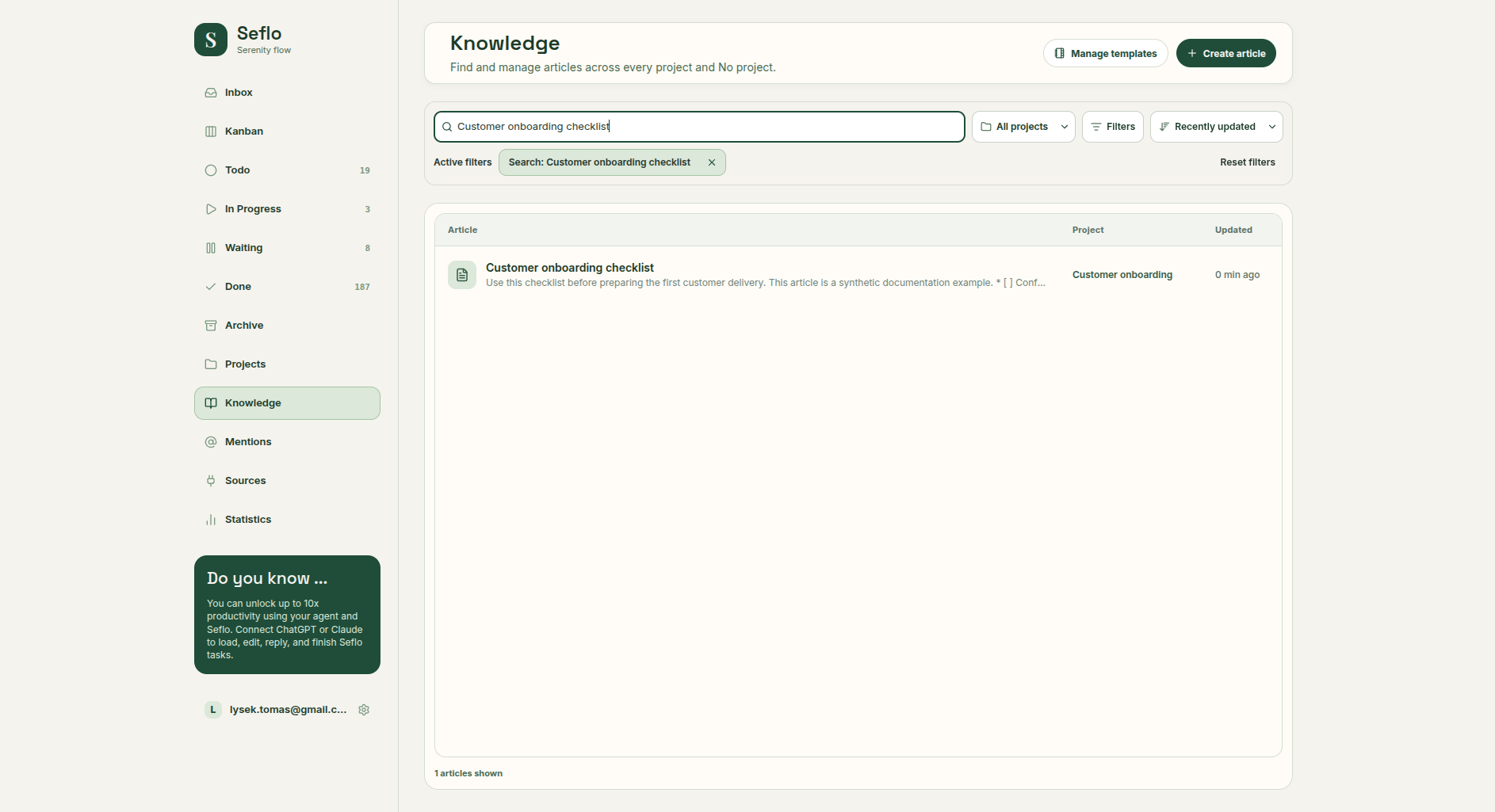
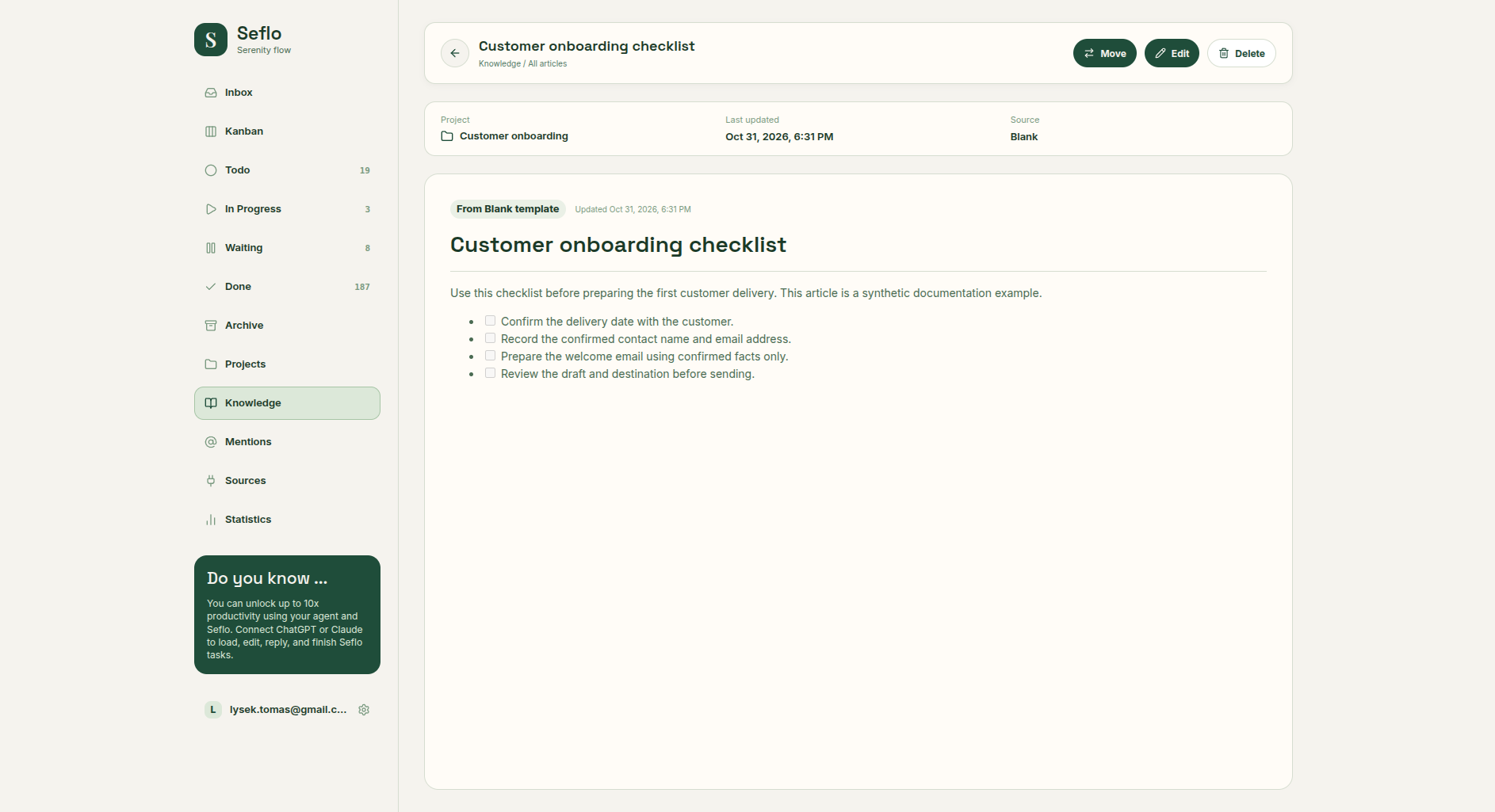
Search by the article title and check the project shown in the result. Open full-size image.
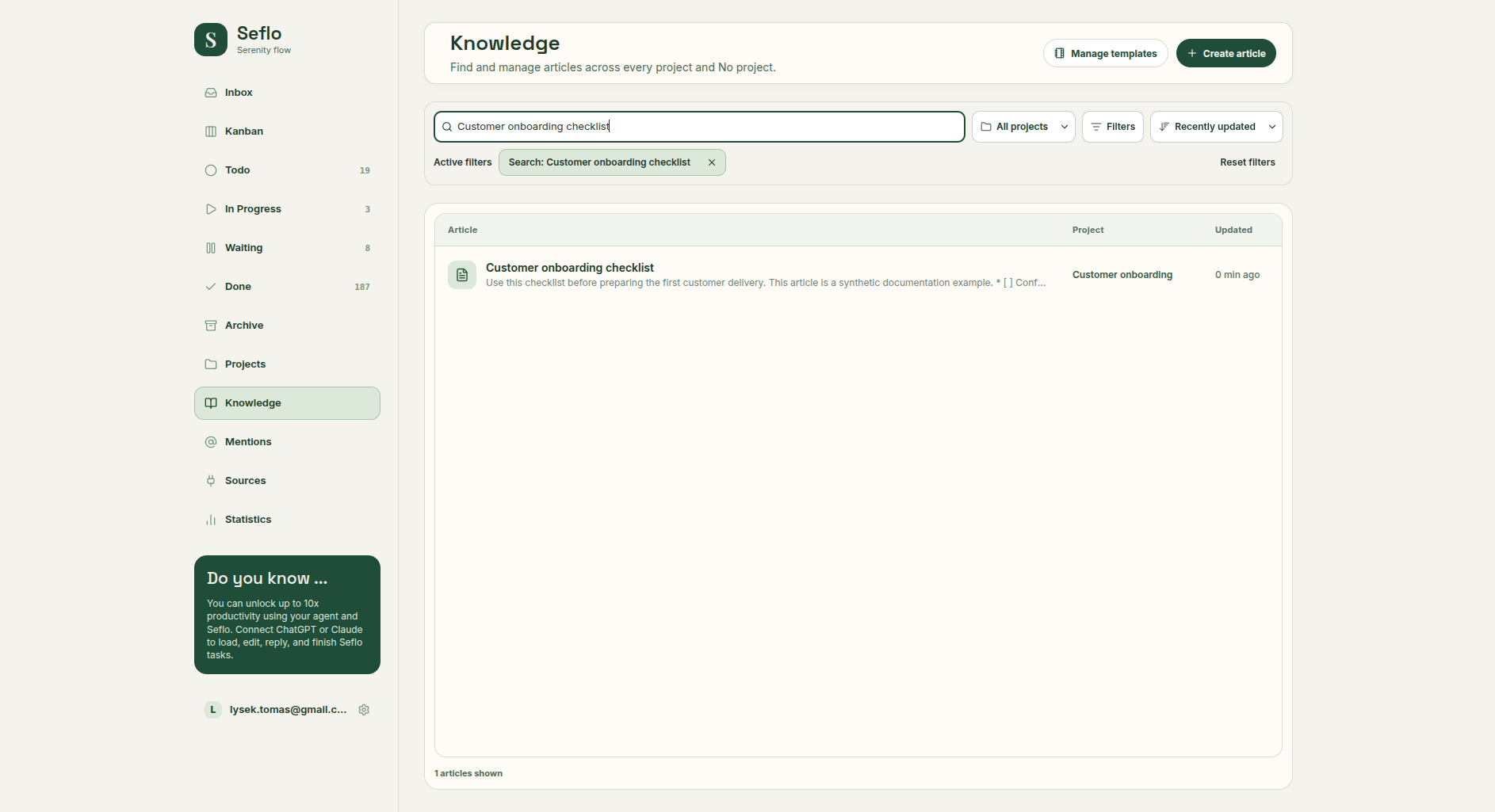
Use the article link or exact title to resolve similar matches. Ask for the full article before relying on details that might not appear in a search excerpt.
Update an article
Identify the existing article and explain the change. For example: “Update the delivery section of Customer onboarding checklist: the customer must confirm the date before we send the welcome email. Keep the other sections.” Open the result to verify the intended section changed.
If an article cannot be found, check that you connected the same Seflo account, broaden the search and check the project context. Avoid creating another copy until you have checked the existing results.