
Plan your day
Turn your existing Seflo tasks into a short, evidence-based work plan.
Before you start
Have a few tasks in Seflo and connect your AI client. Add real priorities and due dates where they matter. This workflow reviews existing tasks; it does not scan your inbox for new requests.
Ask for a brief
Review my open Seflo tasks and recommend what I should work on today.
Consider due dates, priorities, waiting items and project context.
Give me the three most useful next actions with task links and reasons.
Do not change priorities or stages yet.- Read the recommendations and follow the links for important tasks.
- Check deadlines and dependencies against what you know today.
- Choose one task and ask the assistant to read its full context.
- Tell it what to prepare, then use action review for any external action.
A useful brief names specific tasks and explains why they matter. Missing dates or unclear dependencies should remain questions, not invented commitments.
Narrow the brief
Ask “Focus on the Customer onboarding project” or “What is waiting for a reply?” when the whole queue is too broad. If you decide to change priorities or stages, name the tasks and changes explicitly.
Example: choose one task and prepare a draft
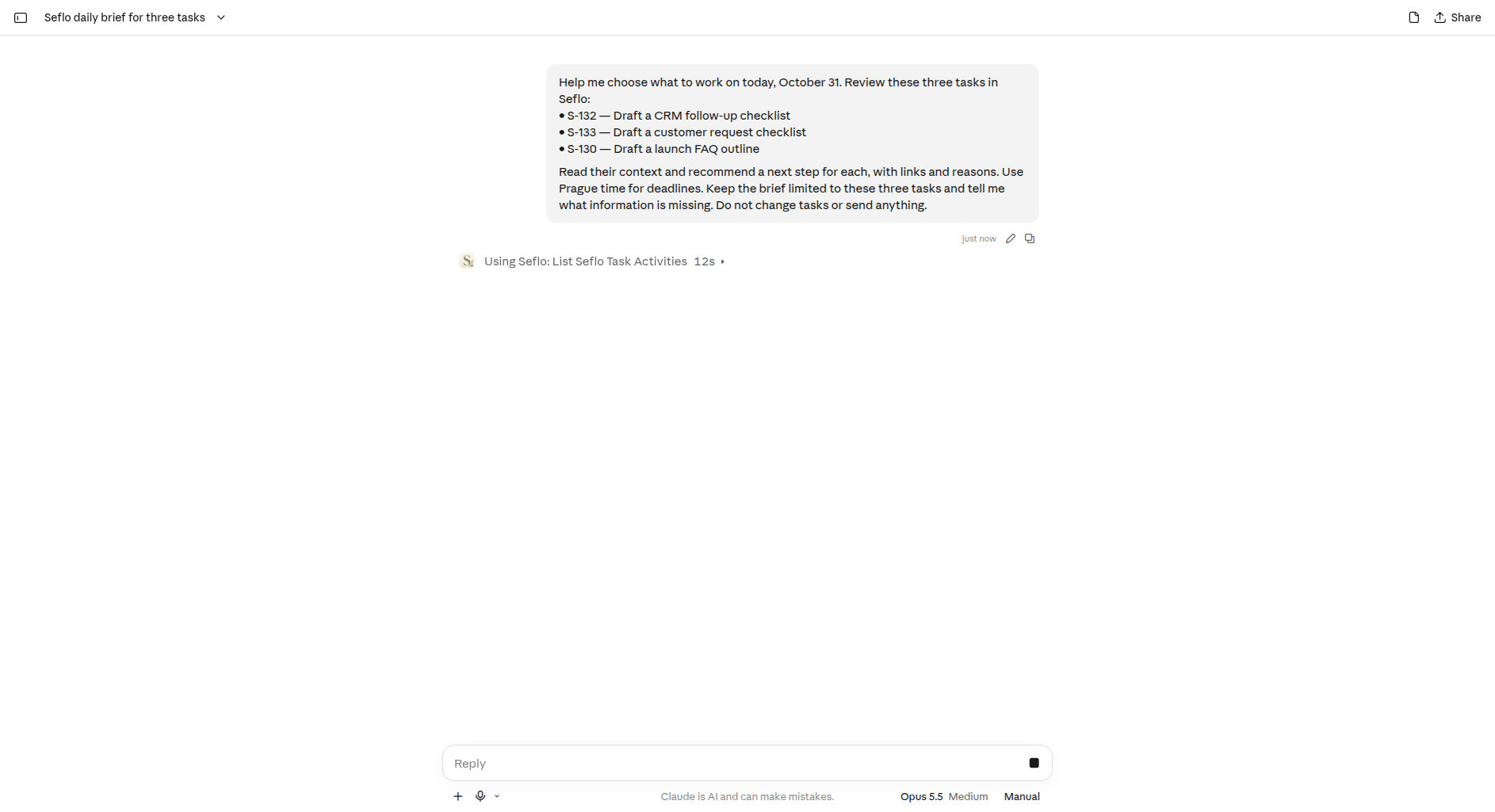
Use task codes and names to narrow the brief. You can copy the code from Seflo; you do not need an internal identifier. This example reviews S-132 — Draft a CRM follow-up checklist, S-133 — Draft a customer request checklist and S-130 — Draft a launch FAQ outline. Replace them with your own tasks.
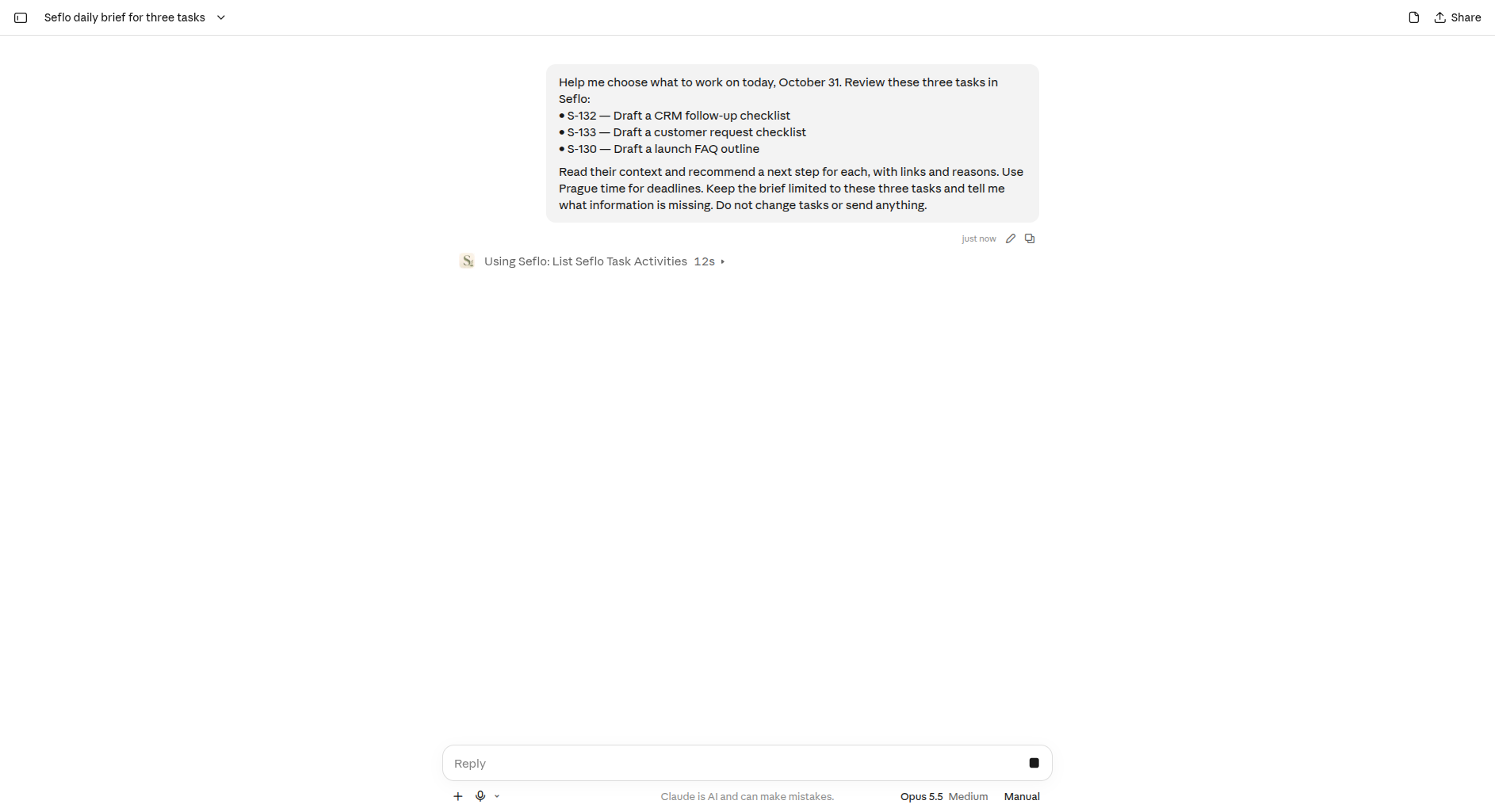
Name the scope and ask for a recommendation without changing the queue. Open full-size image.
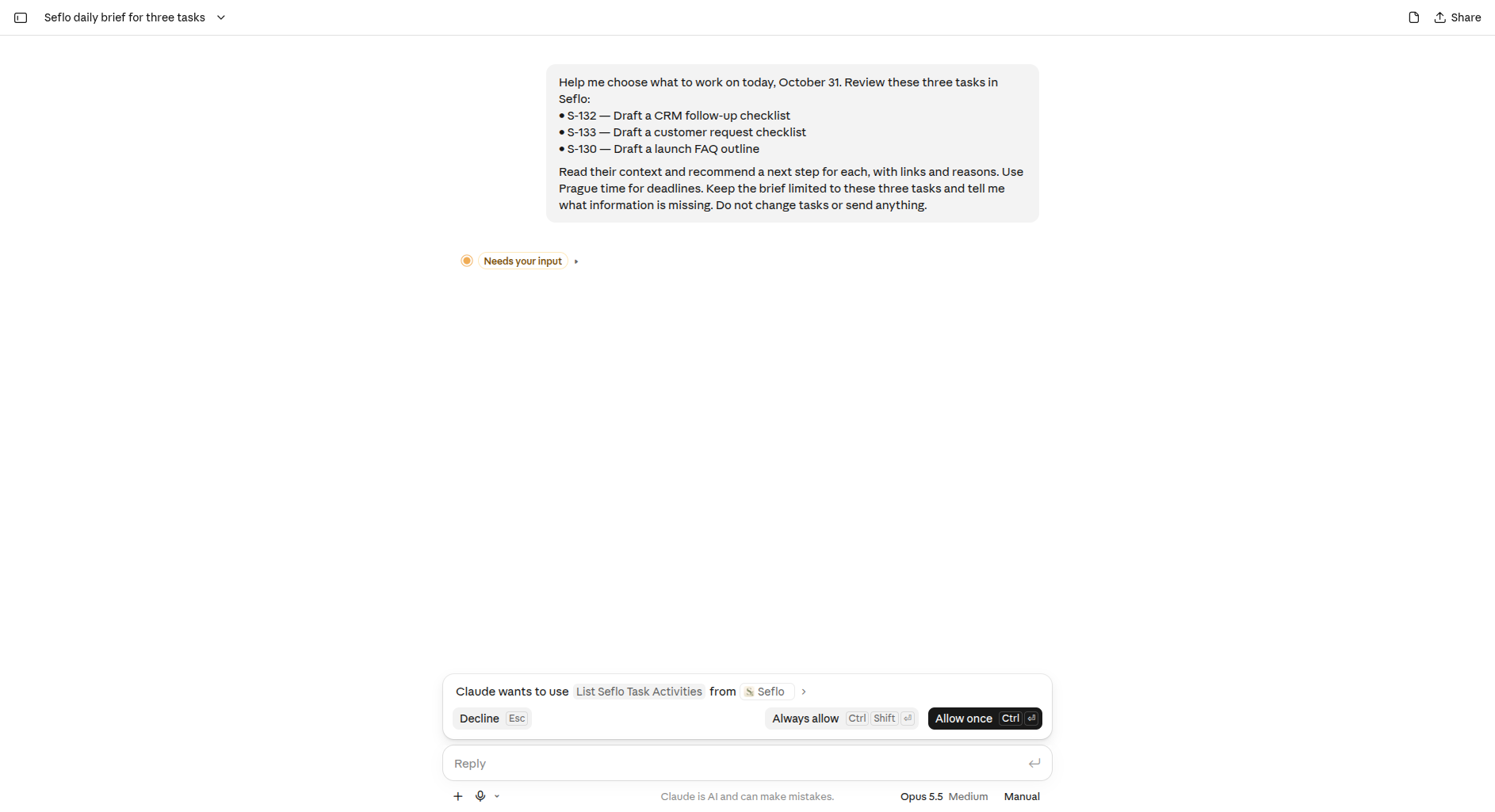
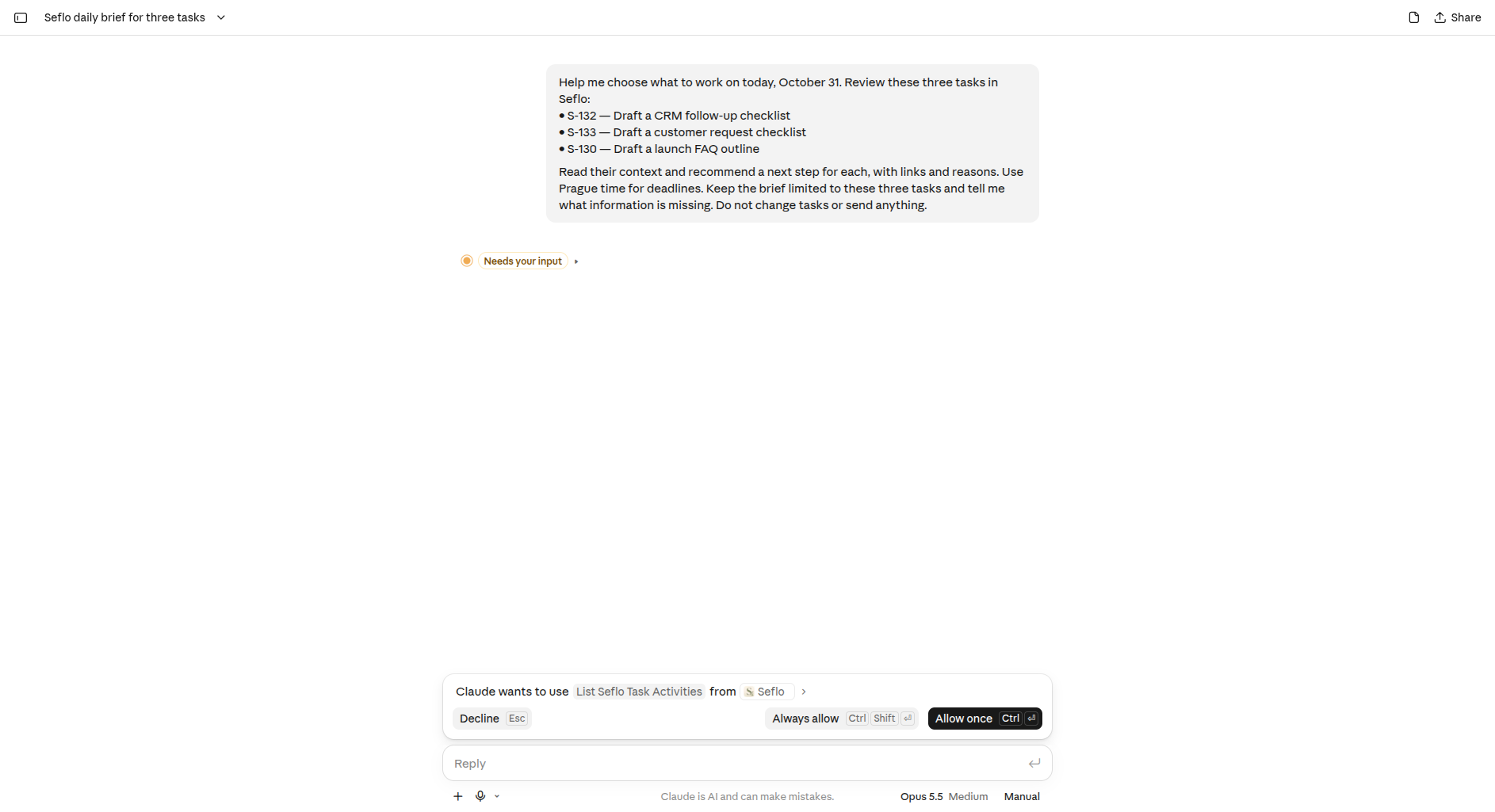
Your AI client may request permission to read context. Review the requested tool and allow the read when appropriate; a brief does not require sending messages or changing tasks.
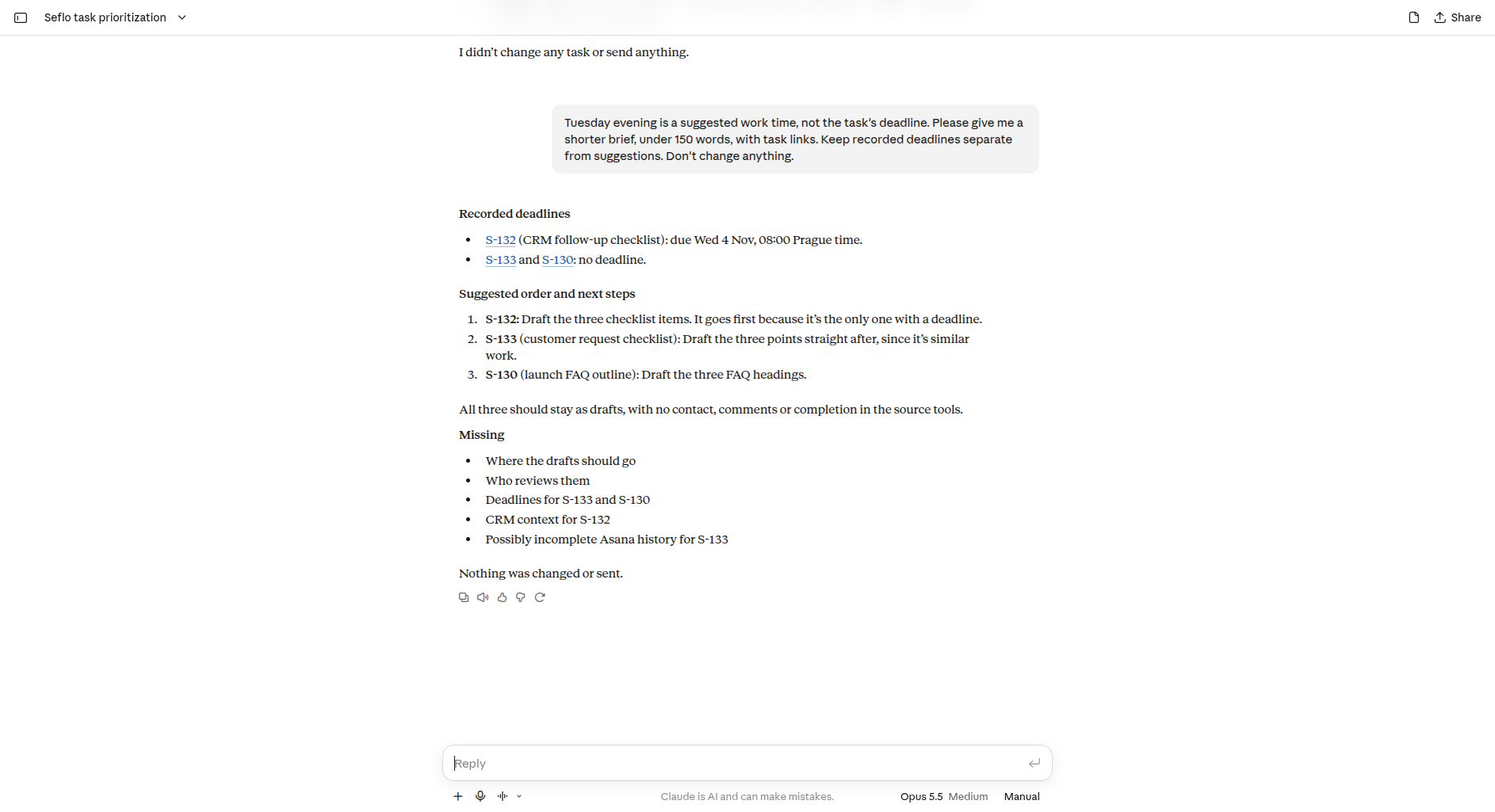
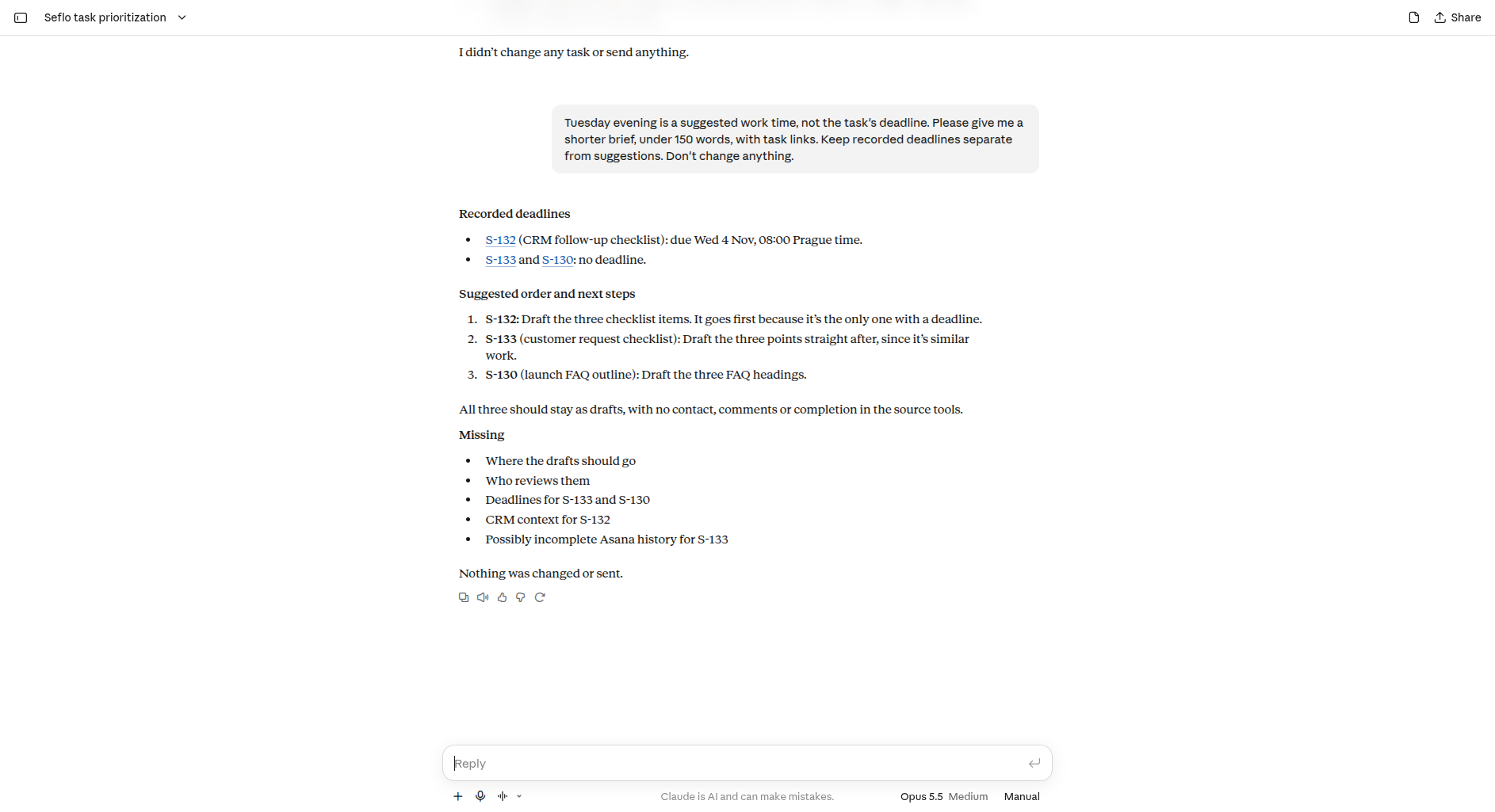
Check any recommended work time against the recorded deadline. In this example, the first answer treated Tuesday evening as necessary; the user asked Claude to distinguish that suggestion from Wednesday, November 4 at 08:00 Prague time, the actual S-132 deadline. The corrected brief also lists missing context.
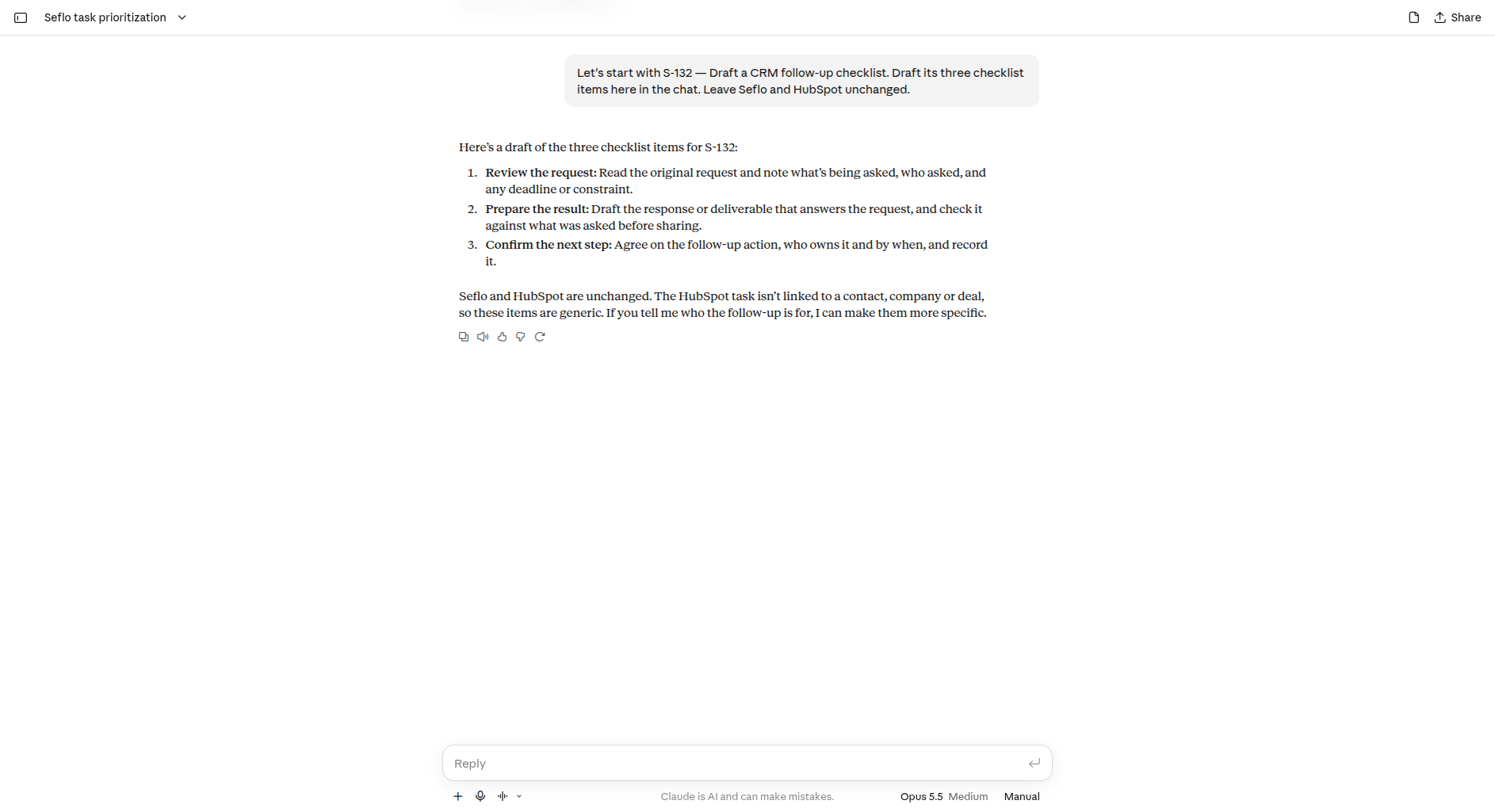
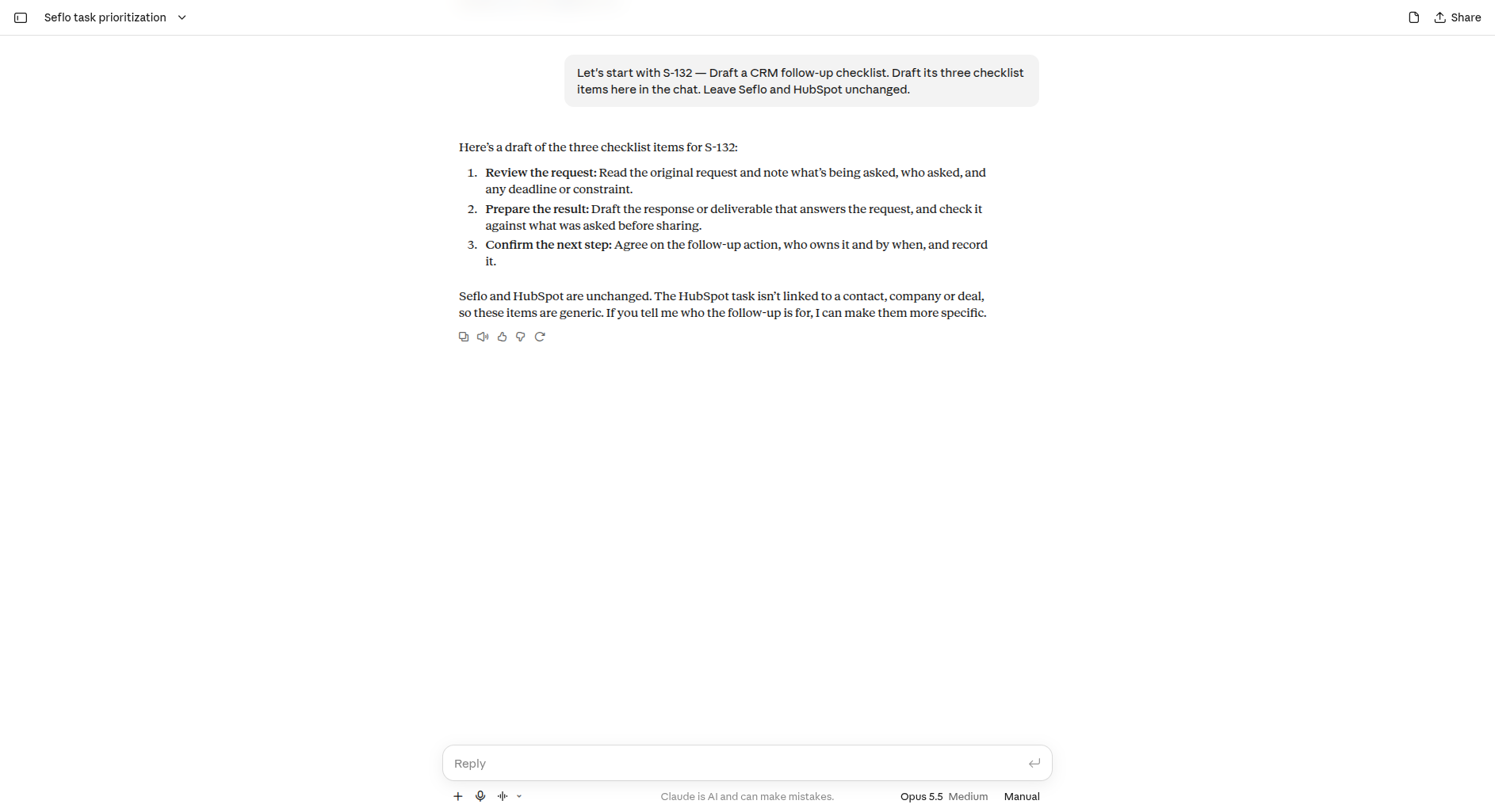
Choose one task explicitly: “Let's start with S-132 — Draft a CRM follow-up checklist. Draft its three checklist items here in the chat. Leave Seflo and HubSpot unchanged.” The draft below stays in the conversation; the saved task still has an empty checklist and remains Todo.
If the brief looks empty
Open Seflo and check whether you have tasks under the same account. Imported work depends on each source's selection rules. Use communication catch-up when you want to find new work in messages instead.