
Catch up on communication
Find actionable follow-ups and capture the ones you decide to work on.
What this workflow does
Ask your AI assistant to review recent communication exposed by your connected sources, identify requests or commitments and propose tasks. This differs from a daily brief, which starts from tasks already in Seflo.
Source coverage differs. A successful connection does not mean that every channel, mailbox or historical message is available for scanning. Start with a narrow time range and a source the assistant reports it can review.
Find and inspect candidates
Review recent communication available through Seflo for follow-ups
that need my attention. Focus on the last two working days.
Show the source link, requested action and reason for each candidate.
Tell me which sources or periods could not be checked.
Do not create tasks or send replies yet.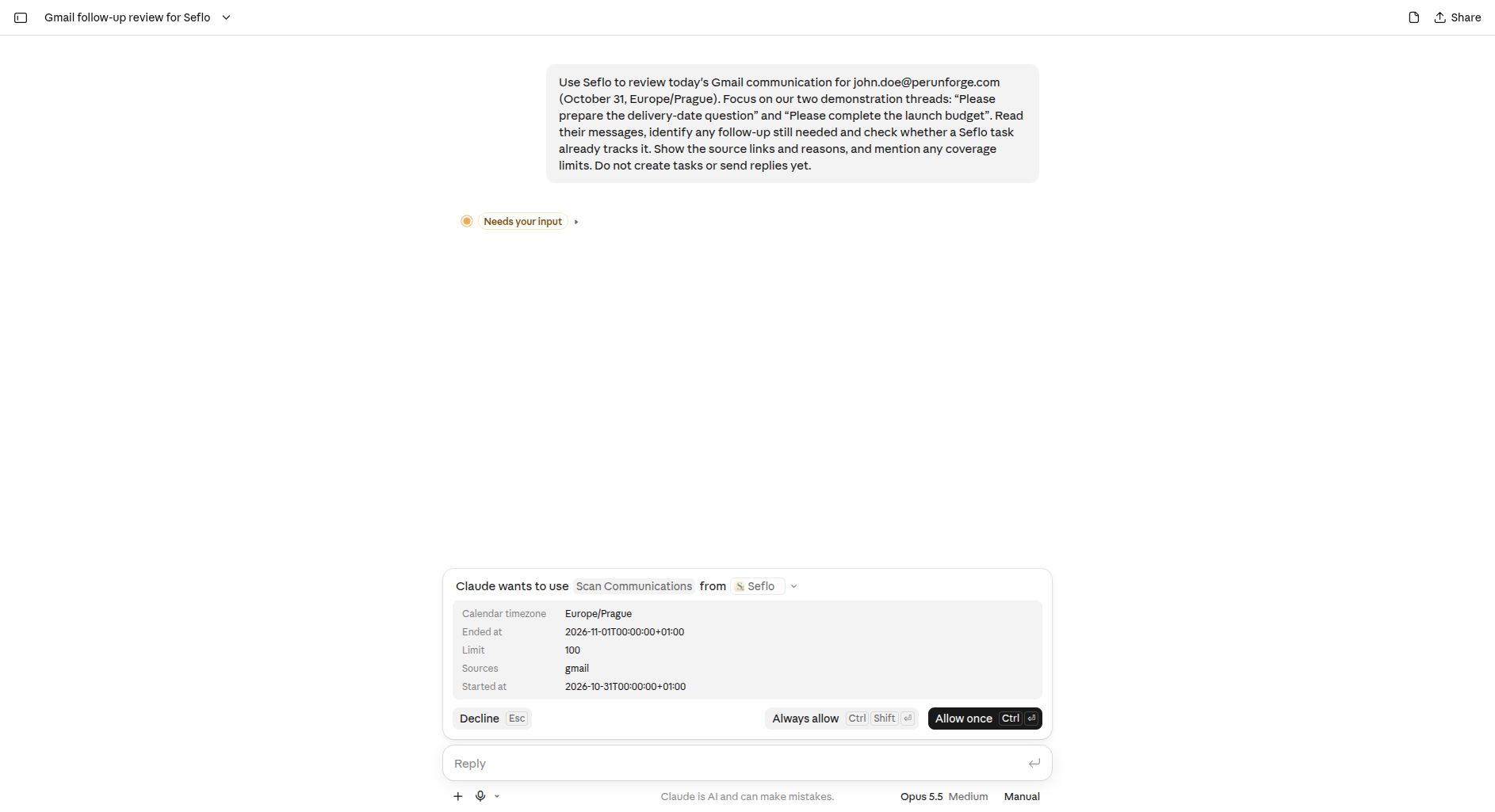
Check the requested source and period before allowing the read. Open full-size image.
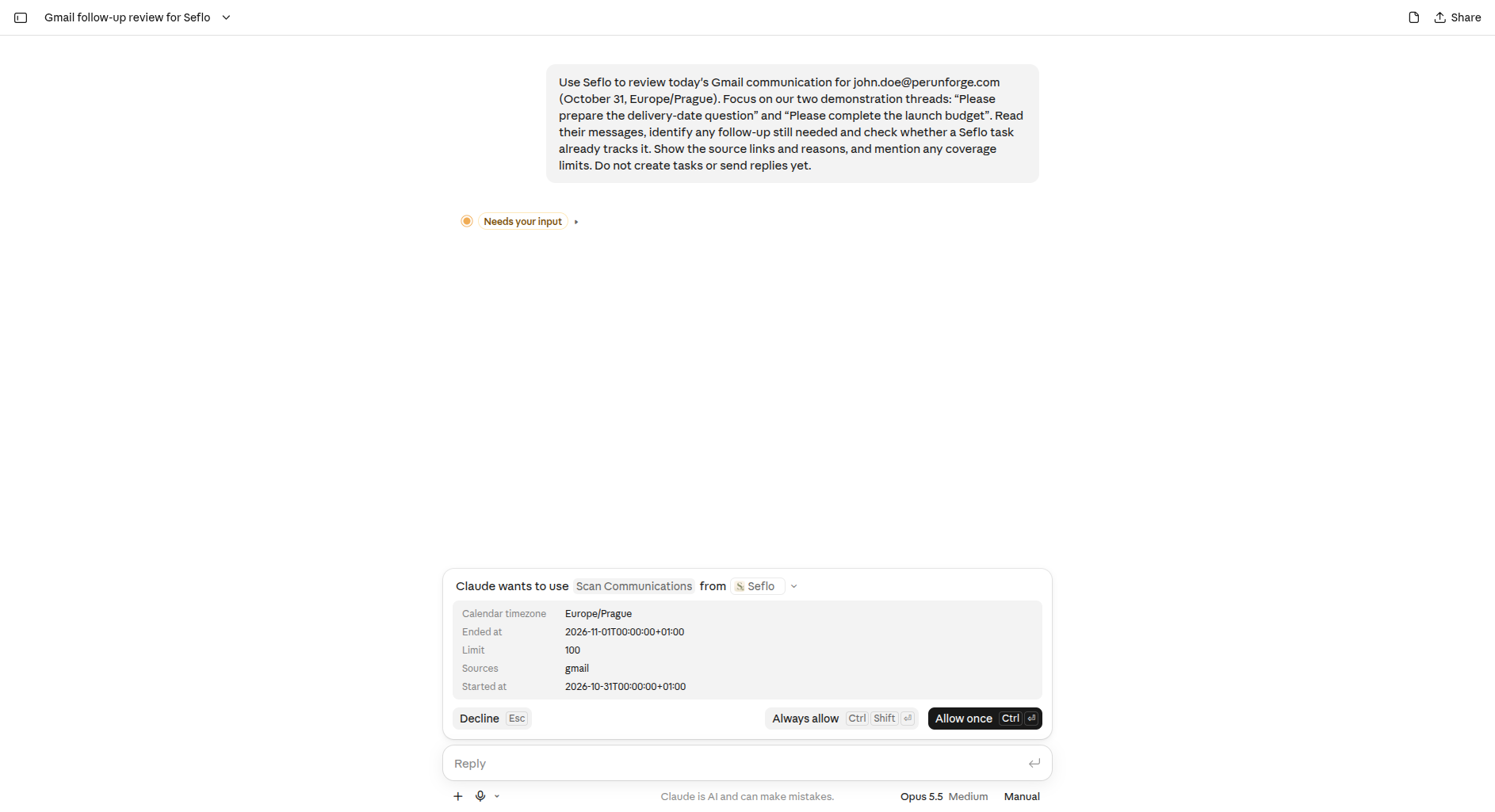
- Read the coverage summary as well as the proposed follow-ups.
- Open the source links or ask the assistant to read the specific conversation.
- Check whether an existing task already tracks the work.
- Reuse existing work when it covers the request. For missing work, select the candidates you want to capture and clarify their titles or deadlines.
- Ask the assistant to create those selected tasks and return the links.
For example: “Create a task for the delivery-date request only. Use the original conversation as its source. Leave the deadline empty until the customer confirms it.”
Verify the captured work
Open the new task and check its source context. Search results alone can omit important parts of a conversation, so read the selected request before acting on it. If scanning is unavailable for a source, use its explicit Send to Seflo action instead.
Example: two threads, no duplicate tasks
This demonstration reviews two named threads in John Doe's Gmail for October 31, 2026, using Europe/Prague time. It uses an already connected Claude web account. Replace the account, date and thread names with your own.
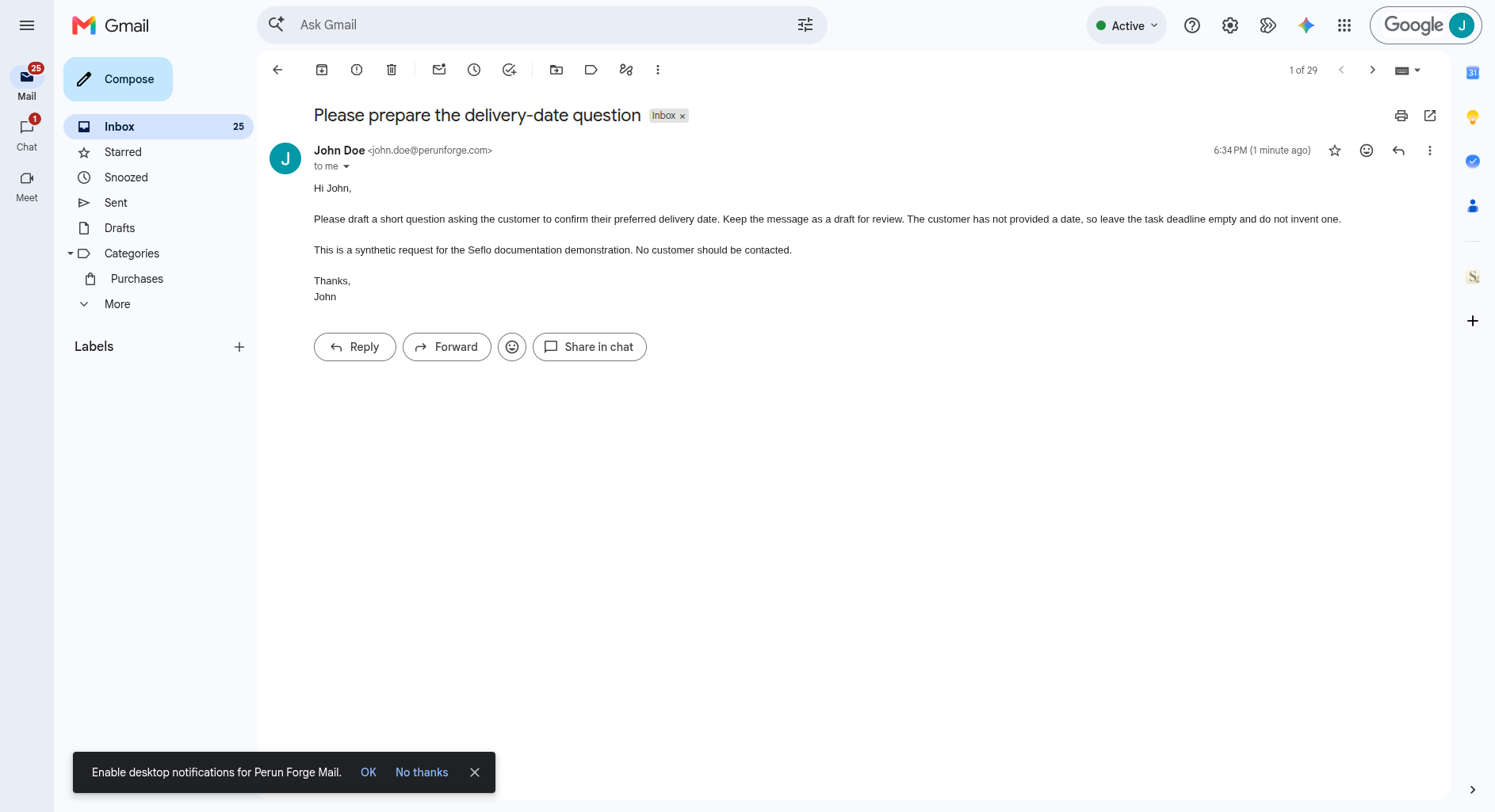
The request asks for a draft for review and provides no deadline. Open full-size image.
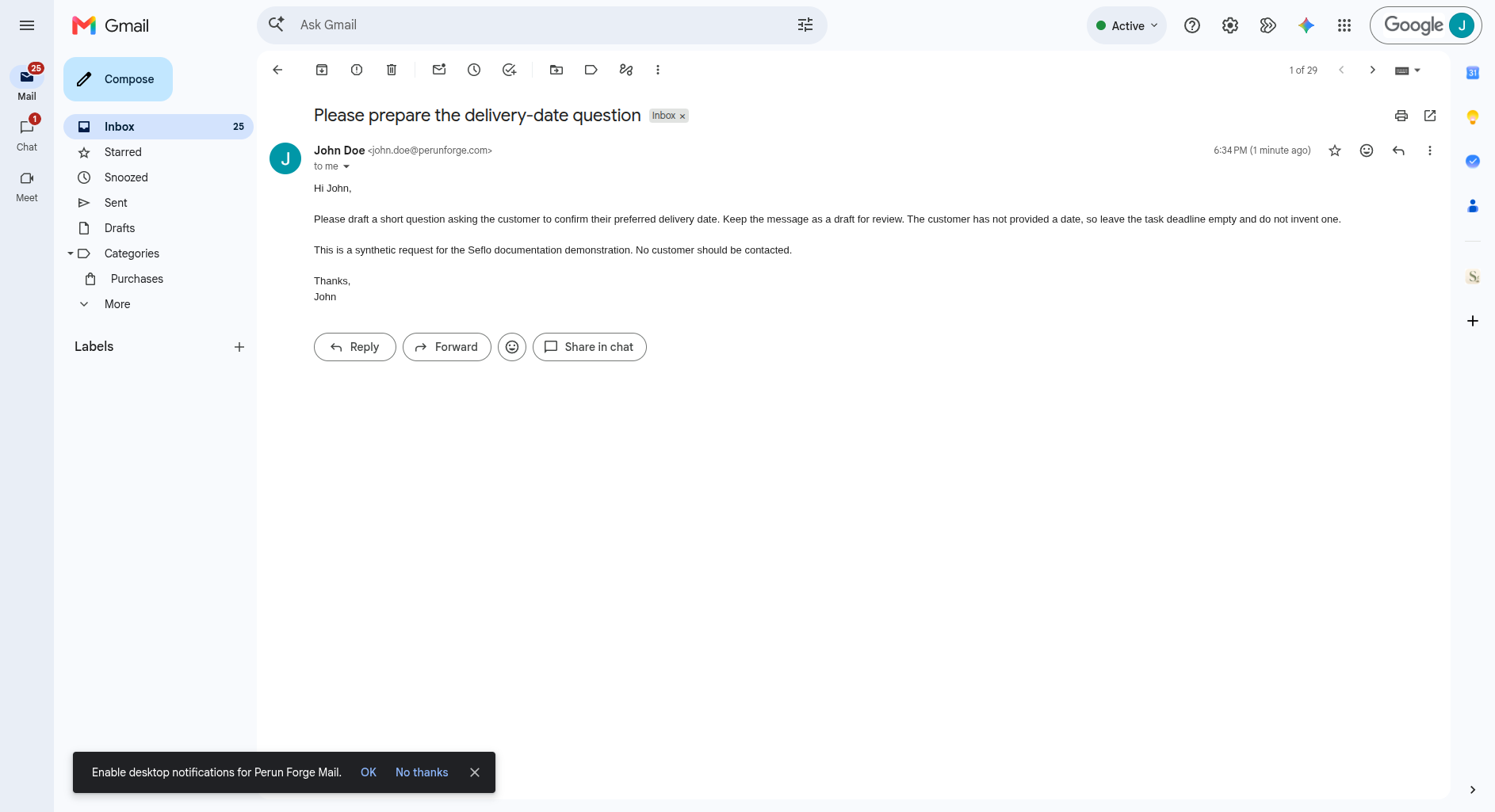
The assistant found ONBOARD-1 — Prepare the customer follow-up, already In progress, as a possible match. After we confirmed it covers this request, it reused that work in its recommendation. This confirmation did not add an email source link to the native task. S-125 — Please complete the launch budget was already Done with a delivered workbook, so it needed no new task.
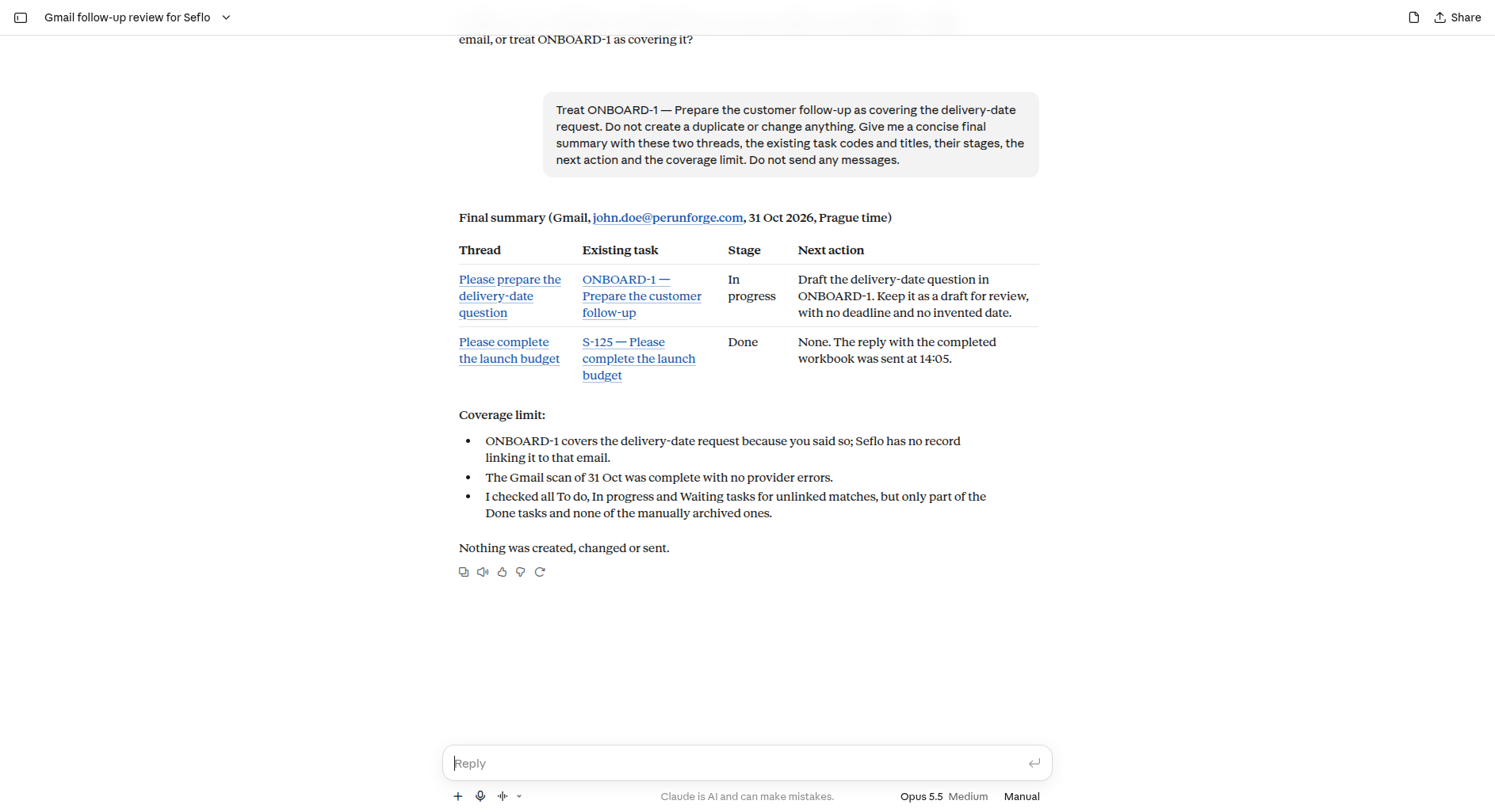
Read the limits: the Gmail scan completed, but only part of the Done tasks and none of the manually archived tasks were checked. Open full-size image.
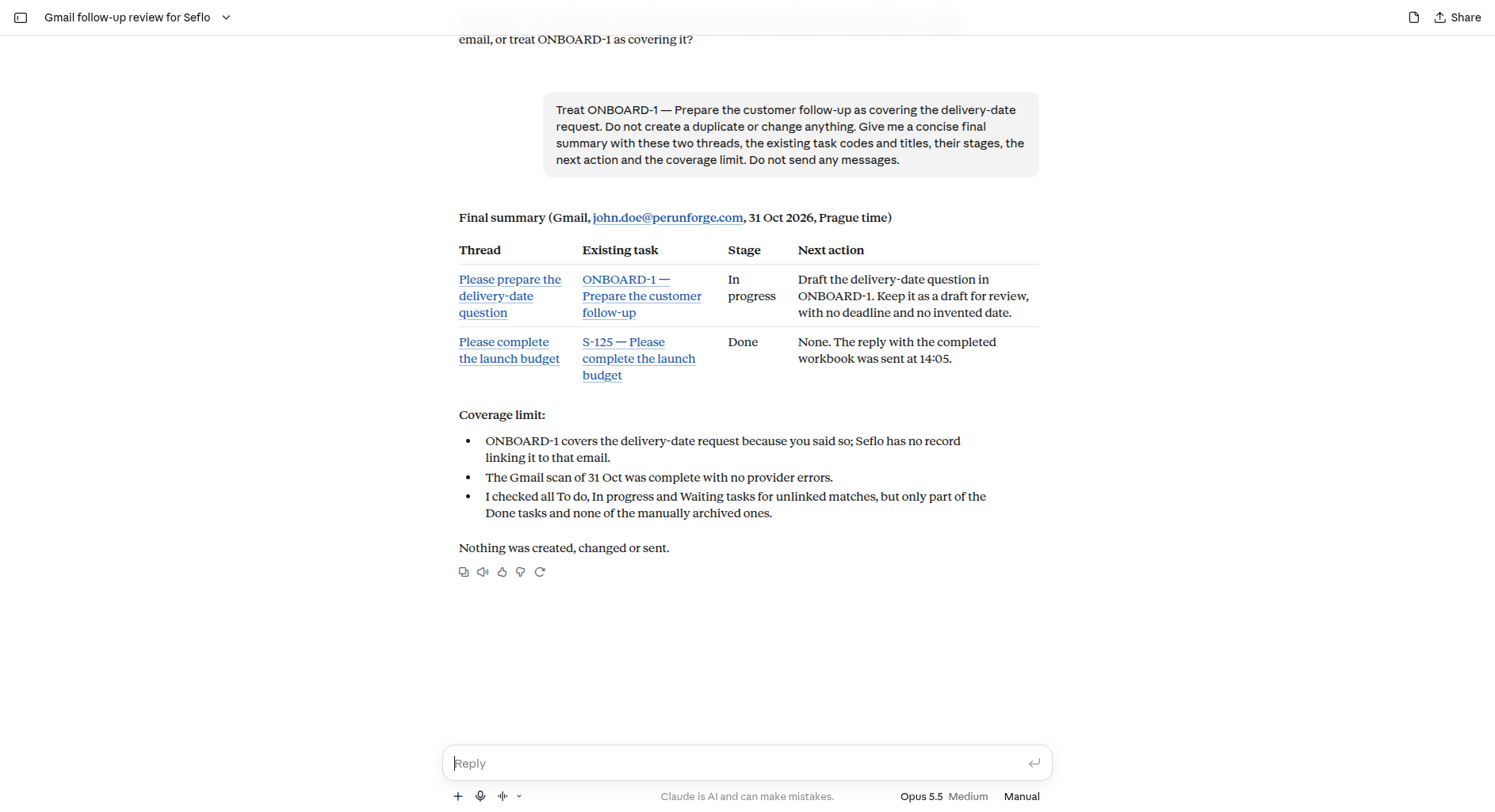
The source scan can include other connected mailboxes even when the prompt names one account. Check the reported account identities and restrict the follow-up review to the intended messages. A complete scan of a time window does not mean every existing task has been checked.
Continue with Working with tasks to organize the result.